Software

Drawing Notes
Version 1.01 · updated August 2026 All versions
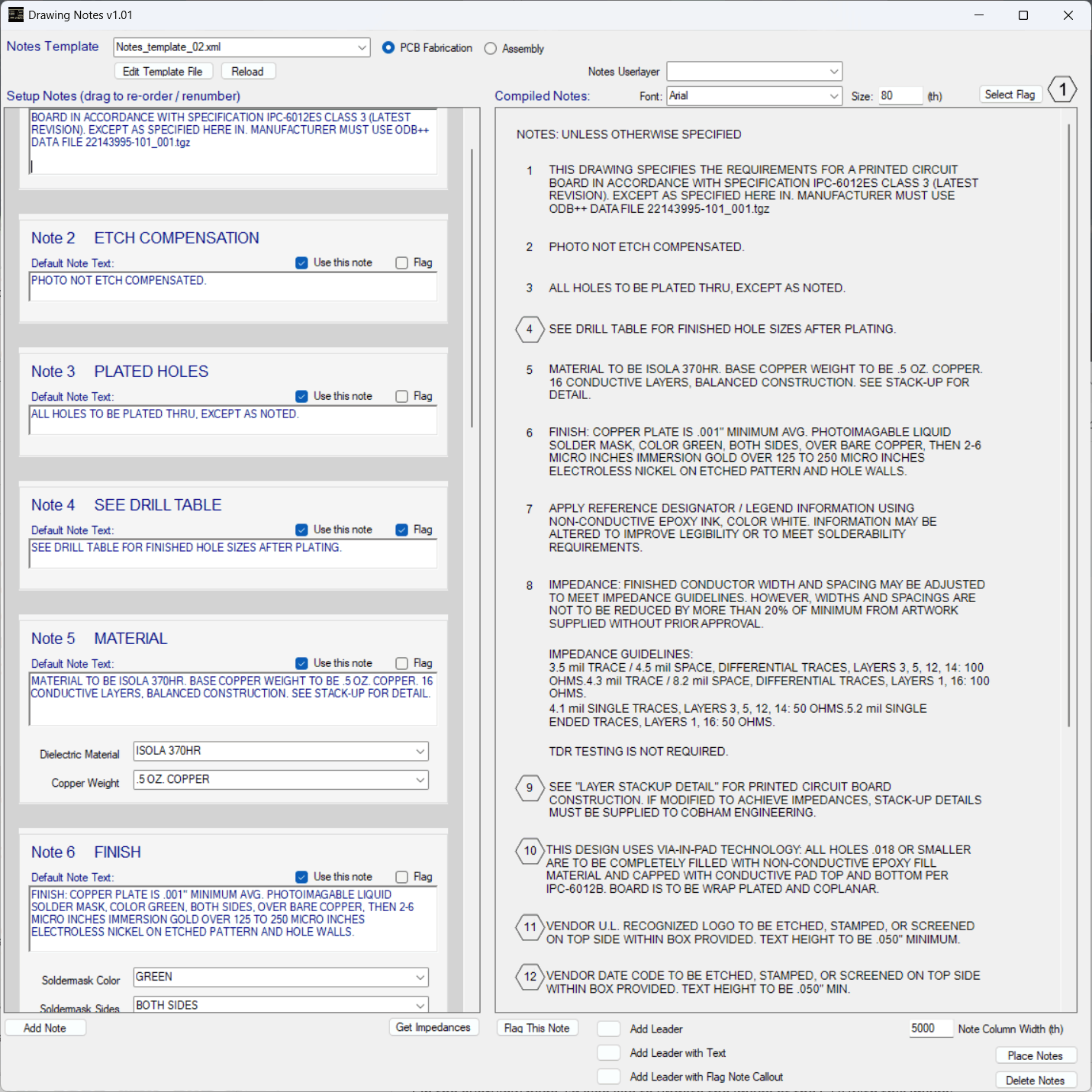
Read the user guide- Enables use of multiple configuration template files to automate note creation for different teams or groups. Templates are selectable on-the-fly.
- Toggle flagged notes, add option fields for variable notes
- Choose which notes to include for each design
- Drag and drop to change order of notes and automatically renumber
- Add or edit notes as needed
- Customize font, size, spacing, and column width
- Real time update of notes preview
- Collects controlled impedance data for note or table creation
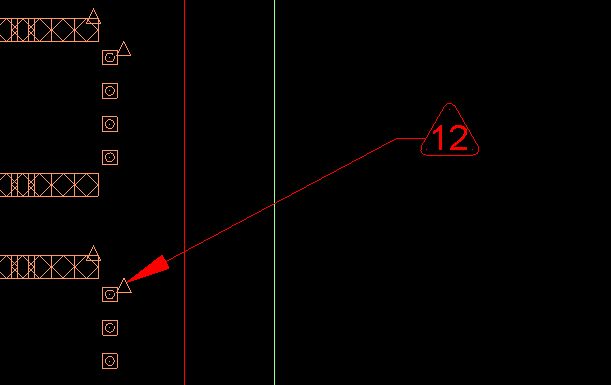
Add note callouts in Drawing Editor, with dynamic graphics that follow the cursor location until placed.
Add a flag to any note callout text, with flag graphic auto-scaled to text size